
 Knowledge Base
The Markdown Editor
Convot's article editor uses Markdown with support for callouts, images, and allowlisted video and diagram embeds like YouTube, Loom, Figma, and Scribe.
Articles are written in Markdown. The editor renders a live preview so you can see exactly how the article will look in the help center.
Basic formatting
Standard Markdown works throughout:
# Heading 1
## Heading 2
### Heading 3
**Bold text**
_Italic text_
~~Strikethrough~~
- Bullet list
- Another item
- Nested item
1. Numbered step
2. Next step
`inline code`
> Blockquote
[link text](https://example.com)

Horizontal rules (---), tables, and fenced code blocks ( `` `) are also supported.
Callouts
Use line-prefix syntax to insert styled callout boxes. The number of leading pipe characters determines the type:
| Prefix | Type | Appearance |
|---|---|---|
\| |
Tip | Subtle gray - for helpful hints |
\|\| |
Info | Blue - for important context |
\|\|\| |
Warning | Red - for things that can go wrong |
Example:
<div class="crisp-callout crisp-callout-tip" markdown="1">

This is a tip.

</div>

<div class="crisp-callout crisp-callout-info" markdown="1">

This is an info callout with **bold** inside.

</div>

<div class="crisp-callout crisp-callout-warning" markdown="1">

This is a warning. Be careful.

</div>
Callouts can span multiple lines. They end at the first blank line not followed by another callout line.
Images
Store images in public/help-assets/<category-slug>/ and reference them with an absolute path:
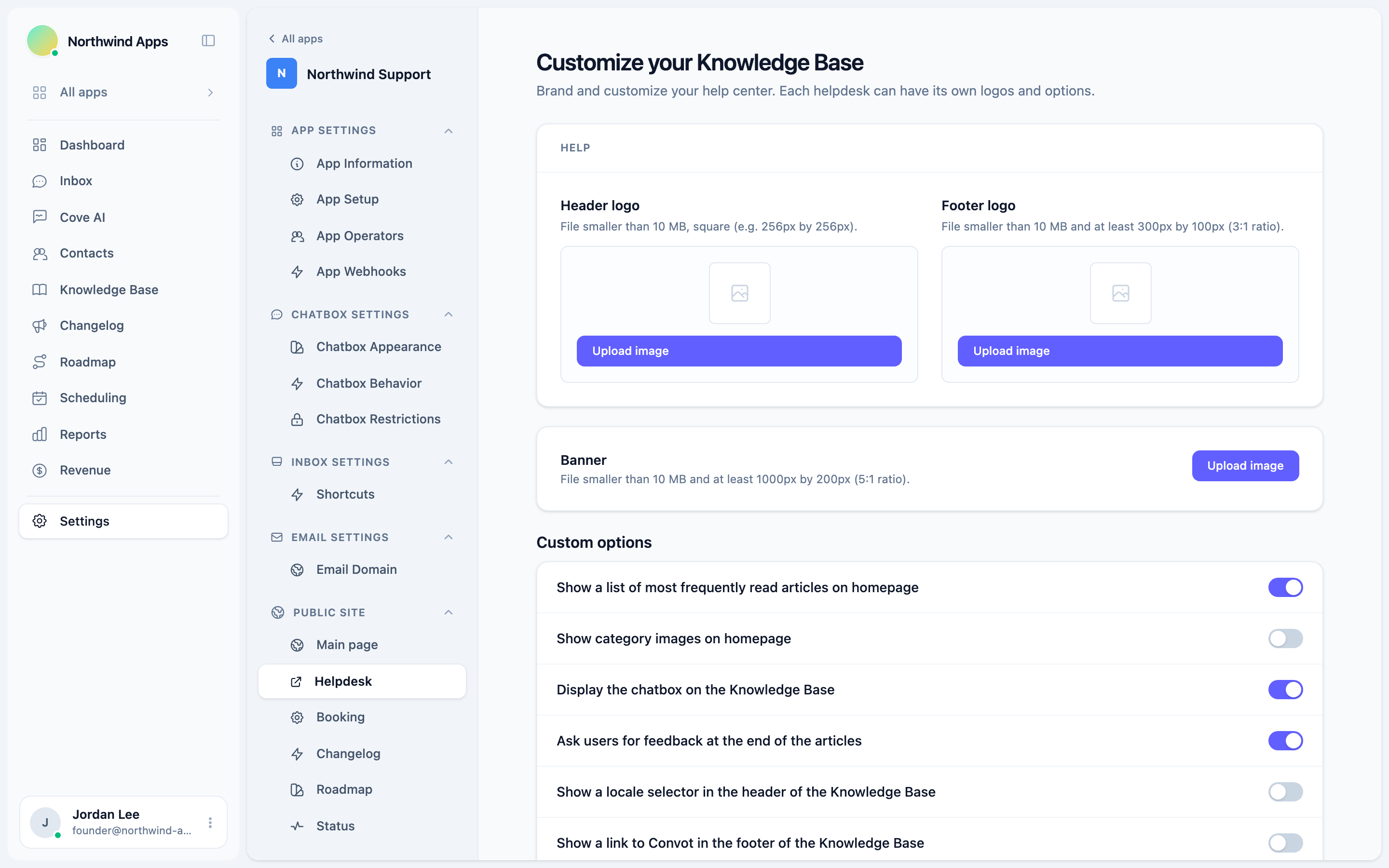
The path resolves correctly on every help-center host because Rails serves public/ at the root.
Video and diagram embeds
Use the embed shortcode syntax to insert iframes from allowlisted platforms:
<iframe src="https://www.youtube.com/embed/VIDEO_ID" title="Caption" allow="autoplay; encrypted-media; picture-in-picture" allowfullscreen></iframe>
${loom}[Caption](VIDEO_ID)
The platforms on the allowlist are: YouTube, Vimeo, Loom, Figma, Scribe/ScribeHow, and Dailymotion. Iframes from other hosts are stripped when the article renders.
Embeds are wrapped in a 16:9 aspect-ratio container automatically.
Scribe is particularly useful for step-by-step screenshot guides - export a Scribe flow and paste the embed code directly.
Tables
GFM table syntax is supported:
<div class="crisp-callout crisp-callout-tip" markdown="1">

Column 1 | Column 2 | Column 3 |
--- | --- | --- |
Value | Value | Value |

</div>
Code blocks
Fenced code blocks with language hints render with syntax highlighting:
```javascript
const x = 1;
```
Tips for writing good articles
- Start with the most important information. Customers scan, not read.
- Use numbered lists for procedures (steps that must happen in order).
- Use bullet lists for options or features (order does not matter).
- Add a callout for anything that can cause data loss or a broken integration.
- Include at least one screenshot for every UI-dependent step.
Was this article helpful?
Thanks for your feedback!