
 Custom Domains
Custom Domain for Your Help Center
Point your own subdomain (like help.acme.com) at your Convot help center instead of using the default convot.help address.
Every Convot help center is available by default at <your-slug>.convot.help. If you want customers to land on help.acme.com instead, you can set up a custom domain per app.
How it works
Convot uses Cloudflare for SaaS to handle TLS for custom help center domains. When you save a custom domain, Convot registers it with Cloudflare, which generates the DNS records you need to add. Cloudflare then terminates TLS at its edge and routes traffic to your Convot help center.
SSL is provisioned and renewed automatically. You don’t manage certificates.
Setting up a custom domain
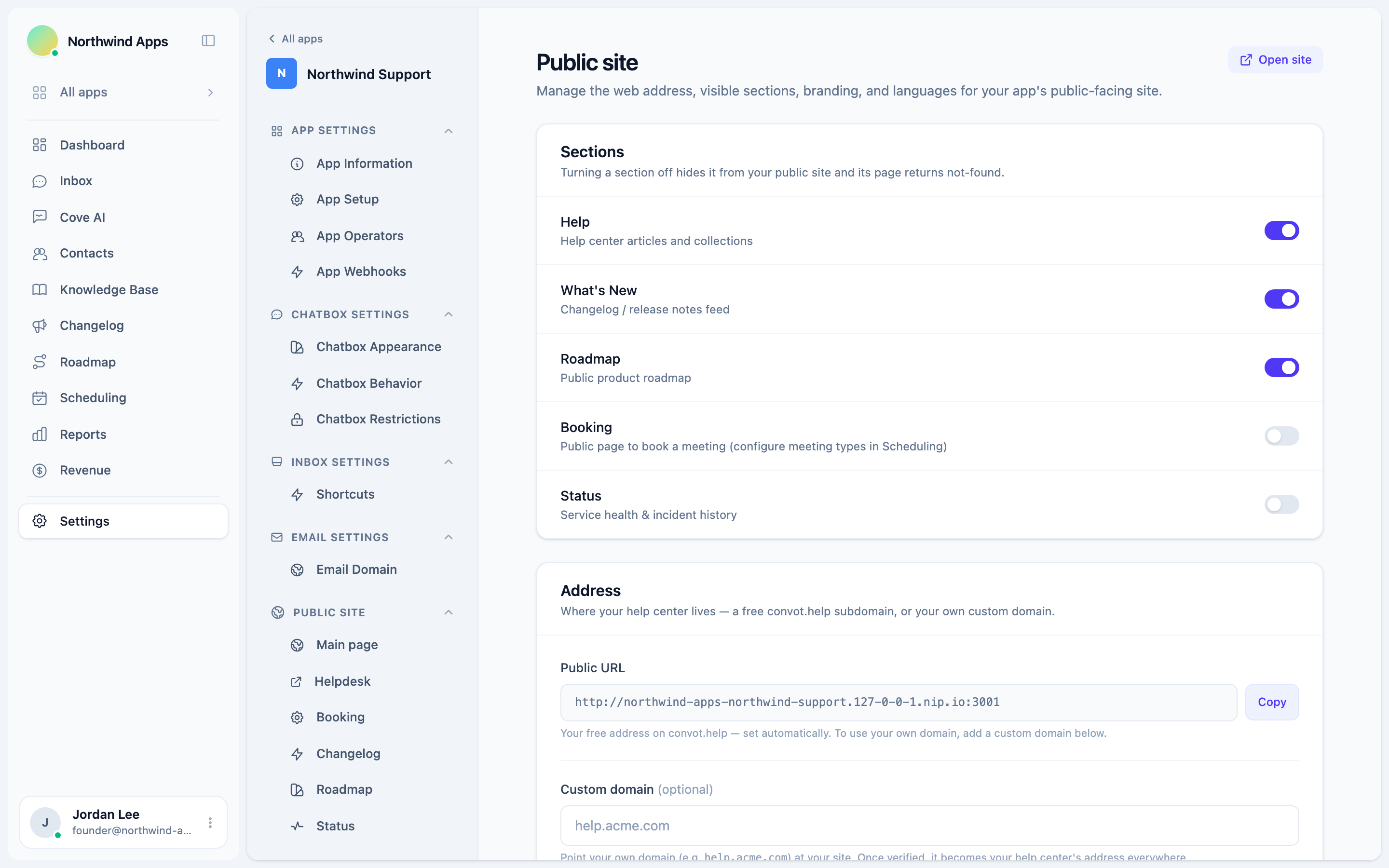
- Go to Settings → Apps → [your app] → Helpdesk → Knowledge Base Domain.
- Enter your subdomain in the Custom domain field. Use a subdomain you own, such as
help.acme.com. Don’t use your apex domain (e.g.acme.comon its own). - Click Generate DNS records. Convot registers the domain with Cloudflare and shows you a list of DNS records to add.
Adding the DNS records
Add each record listed on the settings page at your DNS provider. Each record shows its type, host, and value. Copy the values exactly.
Convot auto-checks DNS every 15 seconds while you have the page open, and flips each record to Verified as soon as Cloudflare validates it. You can also click Verify domain setup to check immediately.
DNS propagation typically takes a few minutes but can take up to a few hours depending on your provider and TTL settings.
What the records do
Convot generates two records for a custom help center domain:
- A CNAME pointing your subdomain at the Cloudflare origin (
origin.convot.help). This routes traffic. - A TXT record for domain ownership verification. This proves to Cloudflare that you control the domain before it issues a certificate.
Once both records are verified, the domain status shows as Domain in use and your help center is live at your custom domain.
Removing a custom domain
Click Remove domain on the Knowledge Base Domain settings page. Convot deletes the Cloudflare registration and your help center reverts to the <slug>.convot.help address immediately.
Primary helpdesk
If your app has more than one helpdesk, you can choose which one serves the root of the custom domain. Go to the Primary helpdesk section on the same settings page and select from the dropdown. Other helpdesks will be available at /<slug> under the custom domain.
Related
- Using a free convot.help subdomain - no DNS setup required.
- DNS and SSL setup - detailed DNS record reference.
Was this article helpful?
Thanks for your feedback!