
 AI Agent
What the AI Agent Does
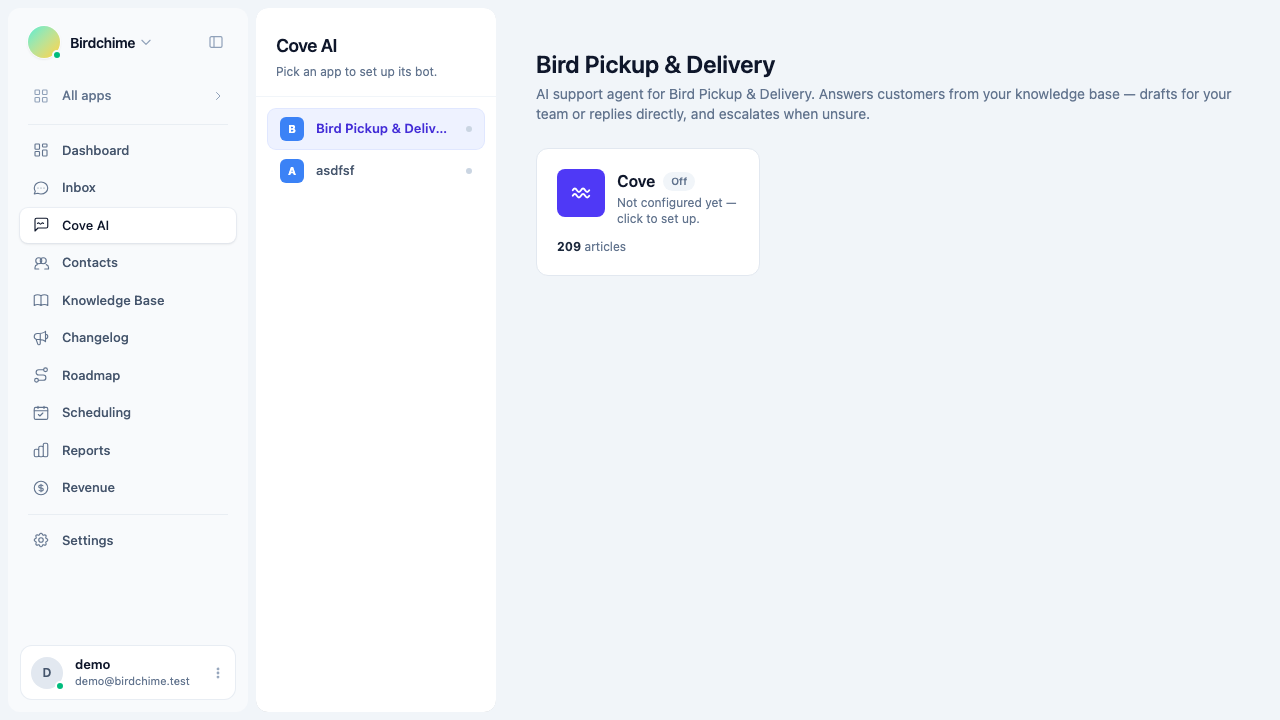
Cove AI is Convot's built-in support agent - it answers customer questions from your curated knowledge, escalates when unsure, and knows about your changelog, roadmap, and scheduling.
Convot includes a built-in AI support agent called Cove AI. It answers customer questions directly in the chat widget, drawing only from knowledge you curate. It is designed to be trustworthy first - it would rather stay quiet than make something up.
What it does
When a customer sends a message, Cove AI:
- Retrieves the most relevant content from your knowledge sources (help articles, Q&A snippets, web pages, uploaded files).
- Generates a grounded answer using only that content.
- Either sends the answer (in Auto mode), drafts it for an agent to approve (in Suggest mode), or escalates to a human if it is not confident enough.
It replies in whatever language the customer wrote in.
The abstain gate
Cove AI will not guess. If it cannot find a confident answer in your knowledge sources, it escalates the conversation to your team instead of making something up. You control the confidence threshold: low (answer more, escalate less), medium (recommended), or high (only answer when very sure).
See The abstain gate for details.
Cross-feature awareness
Most chatbots only know about your help articles. Cove AI is aware of the rest of Convot:
- Changelog - it can reference a recent update when a customer asks if something was fixed.
- Roadmap - it can point a customer to a planned feature on your public board.
- Scheduling - it can offer to book a call when a question needs a live conversation.
This is possible because all three features live in the same platform and the bot’s knowledge base can draw on them. No extra configuration is needed once those features are active.
Modes
Cove AI runs in one of four modes:
| Mode | What happens |
|---|---|
| Suggest | Drafts a reply for an agent to approve before it sends |
| Auto | Sends replies to customers directly |
| Auto when offline | Only replies directly when the whole team is away |
| Hybrid | Suggest when someone is online, Auto when offline |
Start with Suggest mode. It lets you build confidence in the bot’s quality before trusting it to reply on its own. See Suggest mode vs auto-reply.
What it does not do
- It does not reply to private notes.
- It does not take actions (it cannot look up orders, issue refunds, or change settings).
- It does not answer questions the bot cannot find support for in your knowledge - those go to your team.
- It does not invent prices, steps, or policies that are not in your sources.
Next steps
- Train your bot - add knowledge sources so the agent has something to draw from.
- Suggest mode vs auto-reply - choose the right mode.
- AI agent analytics - measure deflection, CSAT, and cost.
Was this article helpful?
Thanks for your feedback!