
 Getting Started
Inviting your team
Add teammates to your organization, assign roles, and manage who can see what.
Convot is built for teams. Invite your teammates so everyone can reply from the shared inbox.
Send an invite
- Go to Settings → Team (or Members).
- Click Invite.
- Enter the teammate’s email and pick a role.
- Send. They’ll get an email with a link to join your organization.
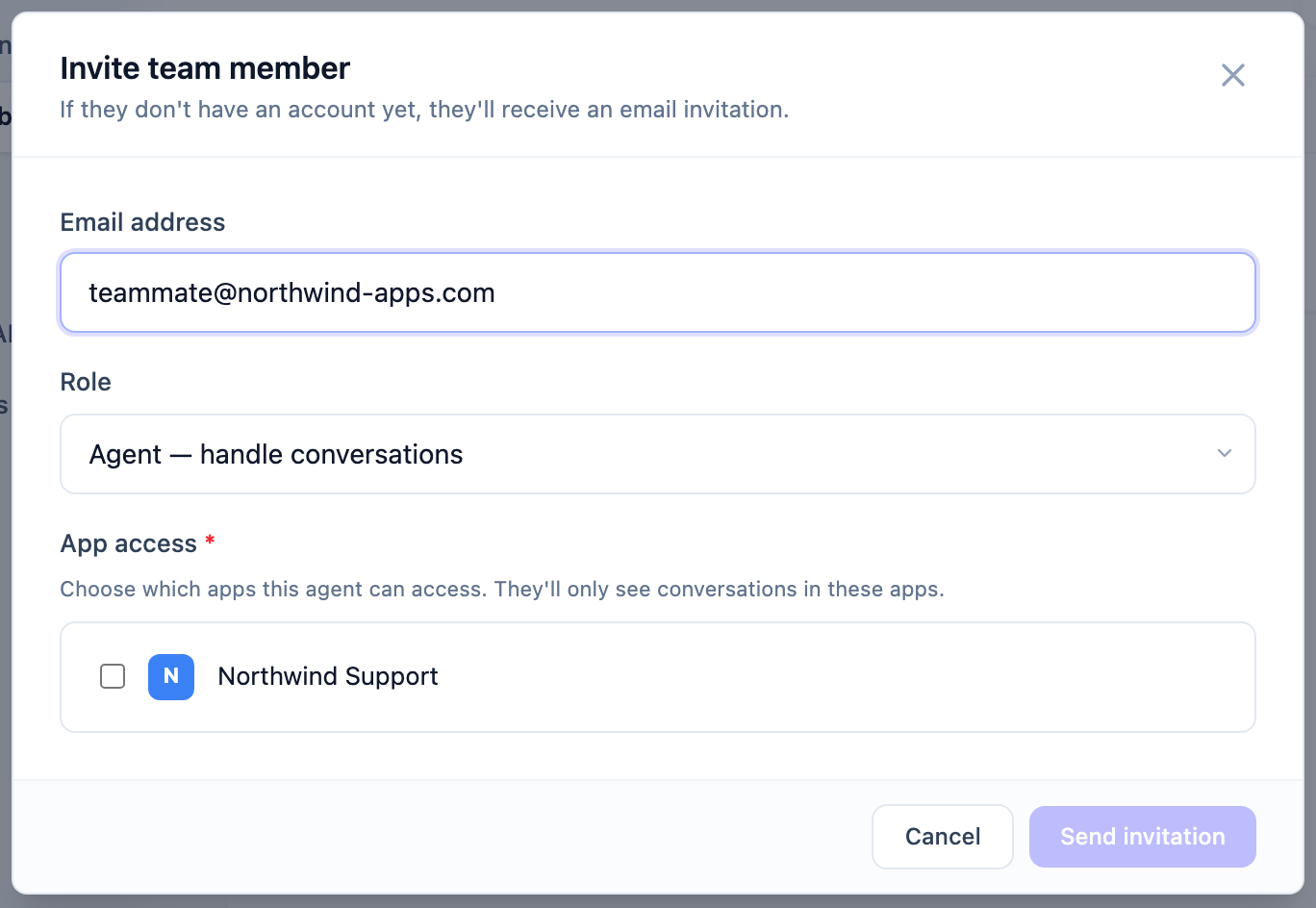
You can resend or revoke a pending invite at any time from the same page.
Roles
Convot has three roles:
| Role | What they can do |
|---|---|
| Owner | Full access to everything, including billing and deleting the organization. |
| Admin | Manage apps, settings, team, and conversations. Revenue data is off by default but can be enabled per member. |
| Agent | Handle conversations. Reports and revenue are hidden by default. |
The person who created the organization is the super-owner - a permanent owner who can’t be removed and is the only one who can delete the organization.
Fine-tuning access
Beyond the role, you can grant or revoke specific things per member - for example, giving one admin access to revenue data or reports without changing everyone else. You’ll find these per-member toggles on the member’s row under Settings → Team.
Agents don’t see Shopify revenue or the Reports section unless you explicitly grant it. This keeps sensitive numbers visible only to the people who need them.
Teams (optional)
If you want to route conversations to specific groups - say, Sales vs. Support - you can create Teams within your organization and use them in routing rules. See the Routing & Assignment collection for details.
Next steps
- Choose your channels
- Learn more in the Teams, Roles & Permissions collection.
Was this article helpful?
Thanks for your feedback!